
You have chosen the development. Now two homes on the same price list look almost interchangeable. One faces a different direction, sits beside a different part of the site and asks you to accept a different premium. How do you choose between them?
A proprietary tool for the decision inside the launch.
CHOPES is our proprietary consultant tool for New Launch Stack Selection. A consultant sets the project and bedroom brief, then uses the framework—Compare, Homogeneous, Opportunities, Prevention, Excellence and Switch—to organise the shortlist. It connects the view, repeated layouts, site-plan risks and price trade-offs rather than declaring that the highest floor is automatically best.
Trace the shortlist back to the reason.
The working interface links its framework overview to a site plan, an elevation view and side-by-side comparisons. That lets the conversation move from an attractive shortlist to the reason each candidate is there. Budget, preferred bedroom type, current availability and the source of the price list still need checking; a ranking is not a promise of a future result.
See how a stack-selection review takes shape
Follow four views from the CHOPES interface. These historical previews have identifying details and selected results obscured; they are not live analysis or current recommendations.
View 01
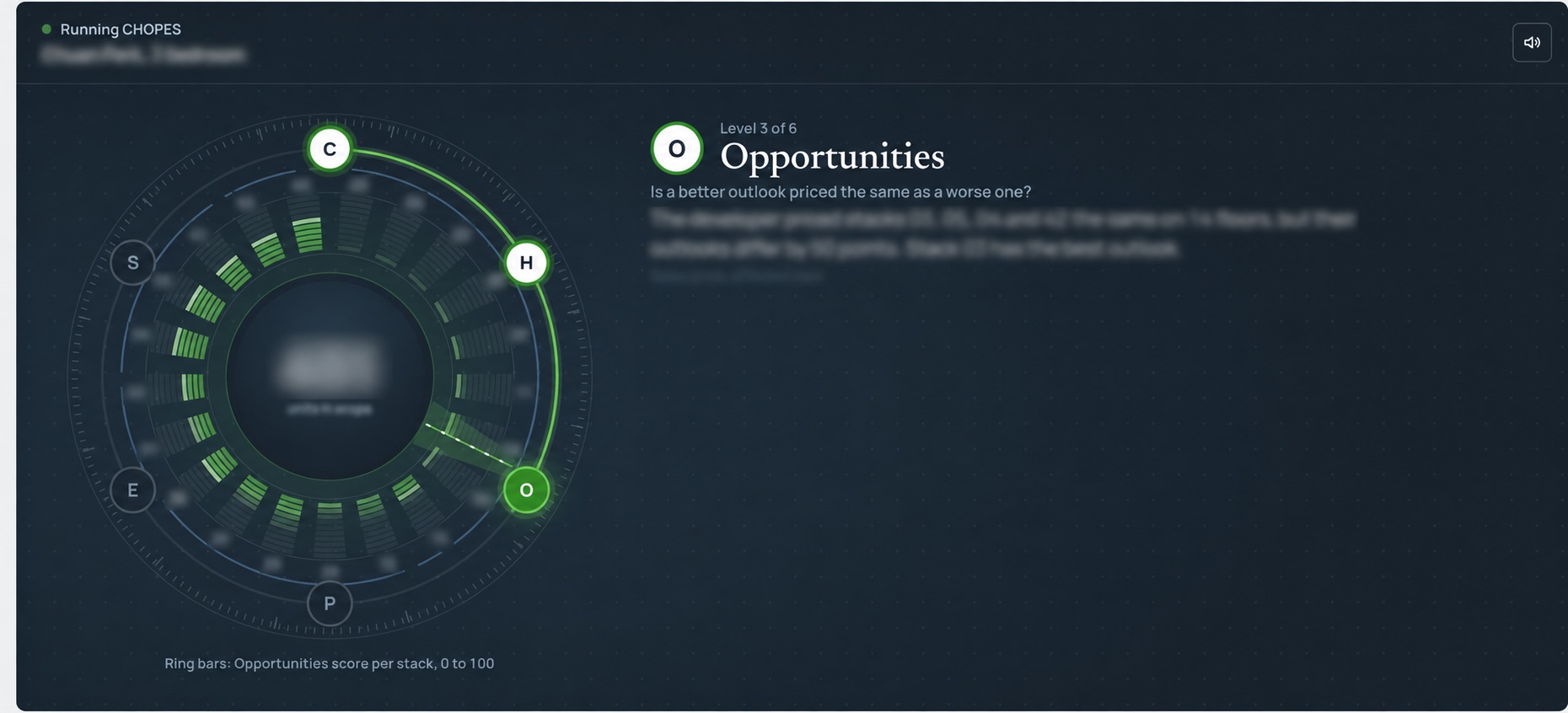
Start with the framework—not a score.
The six CHOPES lenses keep different decisions separate: outlook, repeated supply, opportunities at the same price, site-plan risks, a better-facing alternative and a fallback when the preferred choice is gone. A consultant can explain which lenses have usable evidence and which are not scored.
View 02
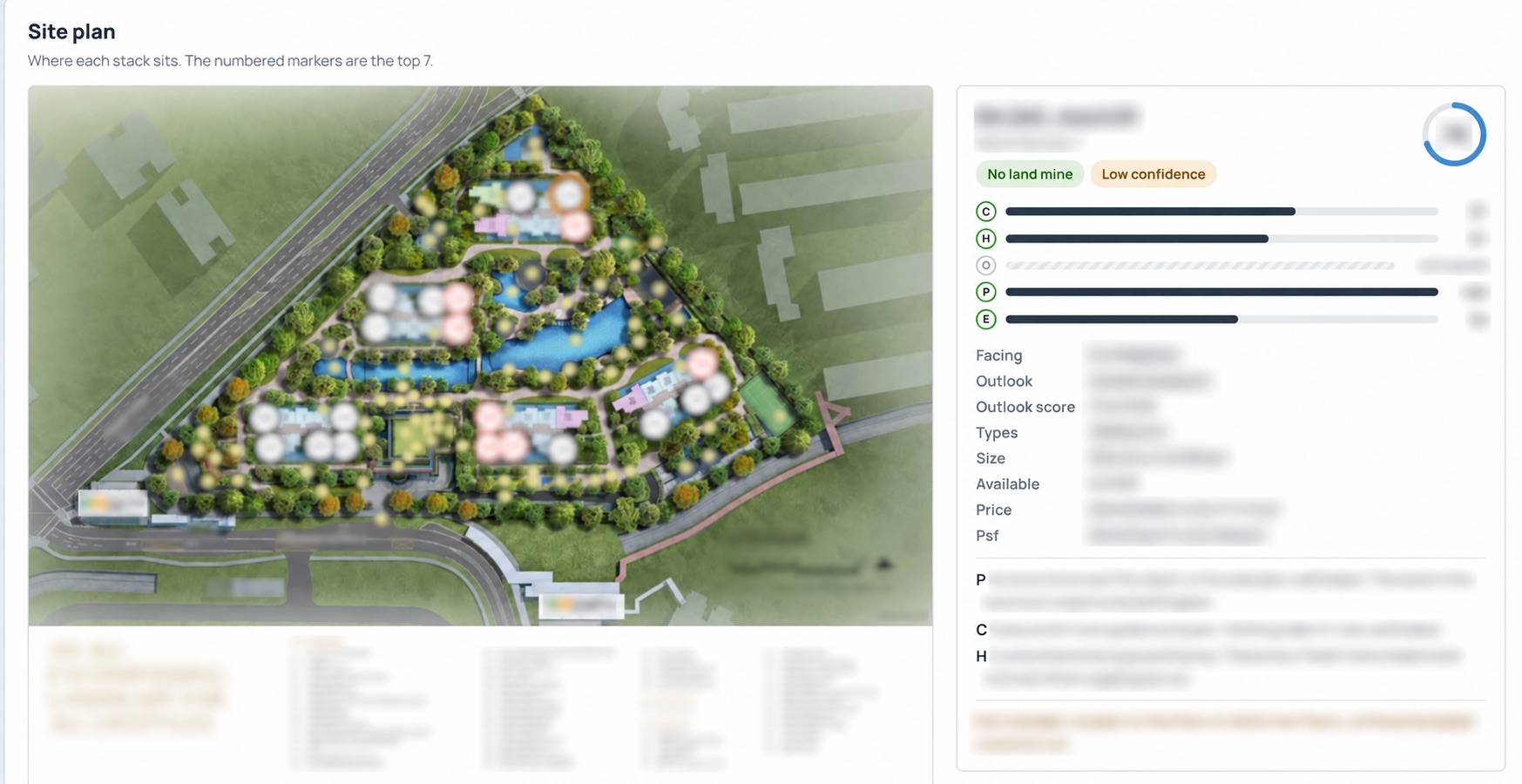
Put the choice back on the site plan.
Locate the candidate in relation to the other blocks and shared spaces. The plan helps explain a facing or possible drawback; it does not establish what an unfinished view will look like or promise that neighbouring land will stay unchanged.
View 03
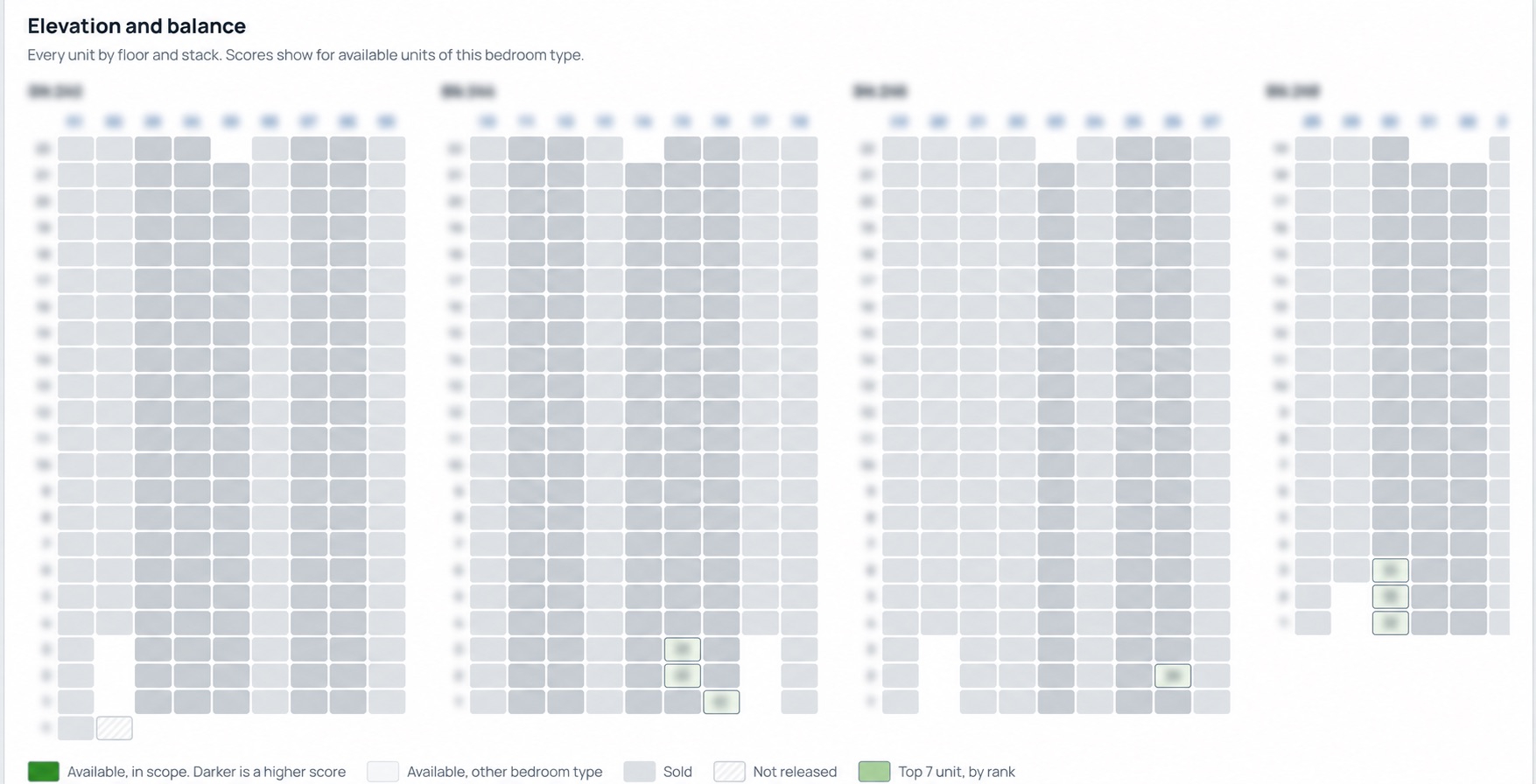
See what changes as you move up the building.
The elevation view puts floors and stacks into one picture. Use it to ask where an obstruction, neighbouring structure or change in outlook could matter, then check the associated price rather than paying for height by habit.
View 04
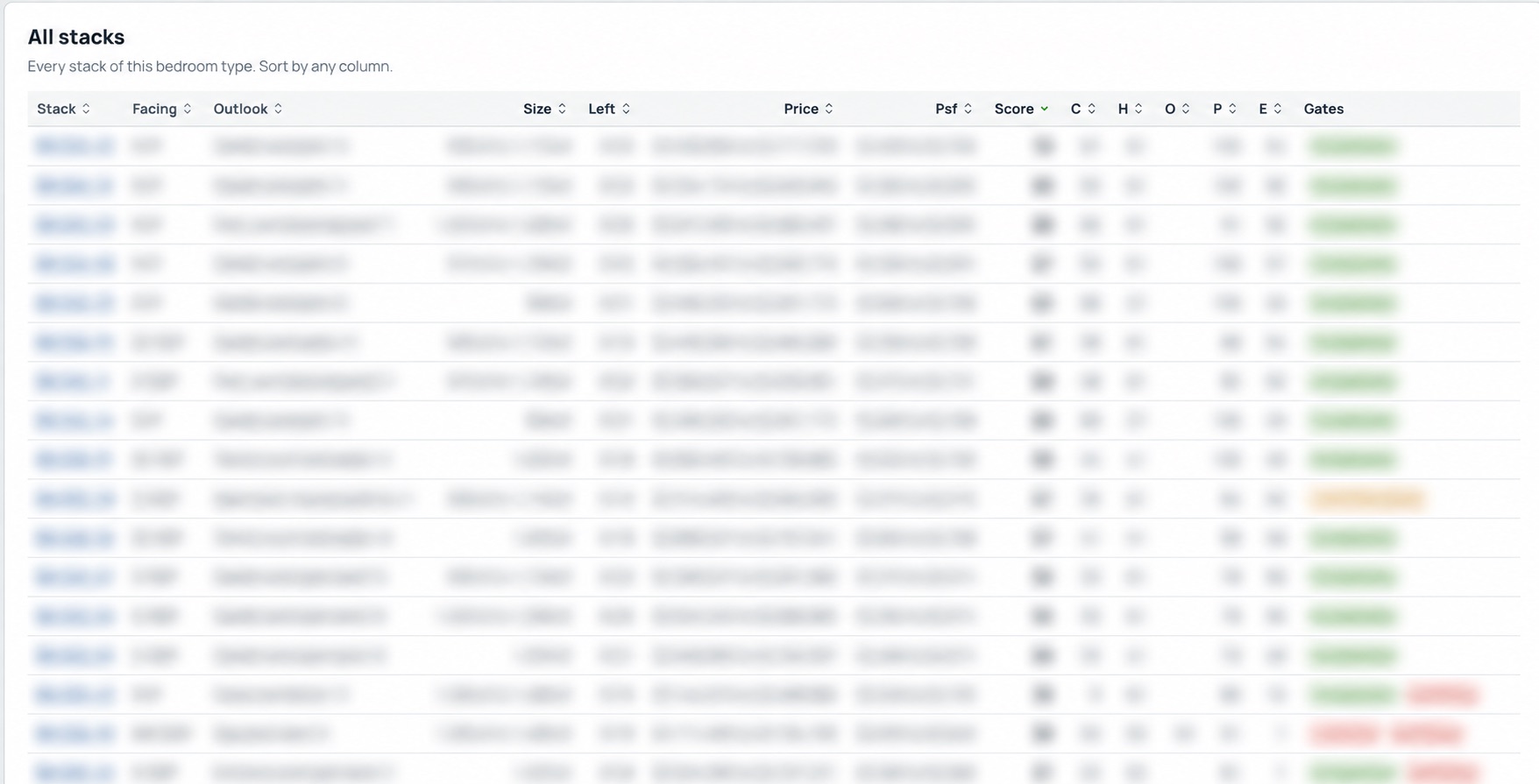
Make the premium—and the fallback—explainable.
Bring the candidate choices side by side. Discuss what a better facing costs, which compromises come with a cheaper alternative, and what remains worth considering if the first choice is no longer available. Recheck the price list and availability before acting.
Set the comparison
Choose the new launch and bedroom type relevant to your brief.
Review the reasoning
Discuss the framework's comparisons, opportunities, risks and price positioning with the supporting evidence.
Check the shortlist
Review the tool's candidate choices with a consultant, including missing inputs and assumptions that could change the result.
A shortlist you can question—and a clearer understanding of the trade-offs behind it.
Bring the conversation back to your own plans.
A useful walkthrough starts with your brief. Have these ready:
- Your project shortlist and preferred bedroom type
- Your working budget and intended holding period
- The trade-offs you want to compare
About this walkthrough
CHOPES is a proprietary consultant tool for New Launch Stack Selection. The historical interface previews have identifying details and selected results obscured. They contain no live rankings, availability or current recommendation. Source inputs and conclusions need checking during the review; no outcome is guaranteed.
Hero image: editorial illustration, not a photograph of a specific property or a tool result.
Have a launch in mind? Let’s compare the stacks.
Ask a consultant for a CHOPES walkthrough around your project, bedroom type and budget. See the reasoning behind a shortlist before deciding what deserves a closer look.
Thank you — your request is received.
We’ll be in touch about this walkthrough.
Your details are used to respond to this enquiry. This does not sign you up for marketing. Read our Privacy Policy.